How to Choose the Right CMS: An Architect's Guide

Table of Contents

Three years ago, an e-commerce client called me at 2:15 AM on Black Friday. Their flagship checkout wasn't throwing 500 errors—worse, their traditional monolith CMS was buckling under 12,000 concurrent visitors because an editor had published an unoptimized 48MB hero GIF directly onto the product template. PHP-FPM worker pools exhausted in 90 seconds. Redis cache choked on serialized session blobs. Nginx started dropping TCP handshakes like bad habits. By sunrise, they'd burned roughly $18,000 in lost basket conversions.

Disasters like that aren't bad luck. They're architectural debt.

Choosing a Content Management System isn't an aesthetic styling exercise or an editorial wishlist review. It's a foundational systems decision. Pick the wrong tool, and your engineering team spends four days a month triaging broken plugins, battling database deadlocks, and duct-taping custom Webpack scripts to handle simple markdown posts. Pick the right one, and content velocity explodes while your AWS infrastructure bill drops by two-thirds.

At Dev Dominion, we've designed and scaled multi-tenant Laravel systems handling millions of monthly pageviews alongside lean Headless setups on Hetzner and AWS. Here's my unvarnished, battle-tested playbook for cutting through vendor hype and selecting the right CMS architecture for your operational reality.

The Core Architectural Divide: Decoupled vs. Monolithic

Before arguing over Strapi versus WordPress or Ghost versus Contentful, step back. You need to pick your delivery model first.

1. The Coupled Monolith (Traditional CMS)

Think classic WordPress, Drupal, or standard Ghost installations. The content creation engine, the administrative panel, the MySQL/PostgreSQL schema, and the frontend rendering layer live inside the same application runtime.

  • The Upside: Instant time-to-market. Non-technical marketing teams can install templates, rewrite metadata, inject tracking scripts, and preview landing pages without pinging a developer on Slack.
  • The Hidden Trap: Massive attack surface and brutal database coupling. Every unvetted plugin introduces a potential SQL injection vector or CVE vulnerability. You're constantly running patch cycles, dealing with stale APCu caches, and wrestling with render-blocking PHP overhead.

2. Headless & Decoupled Architecture

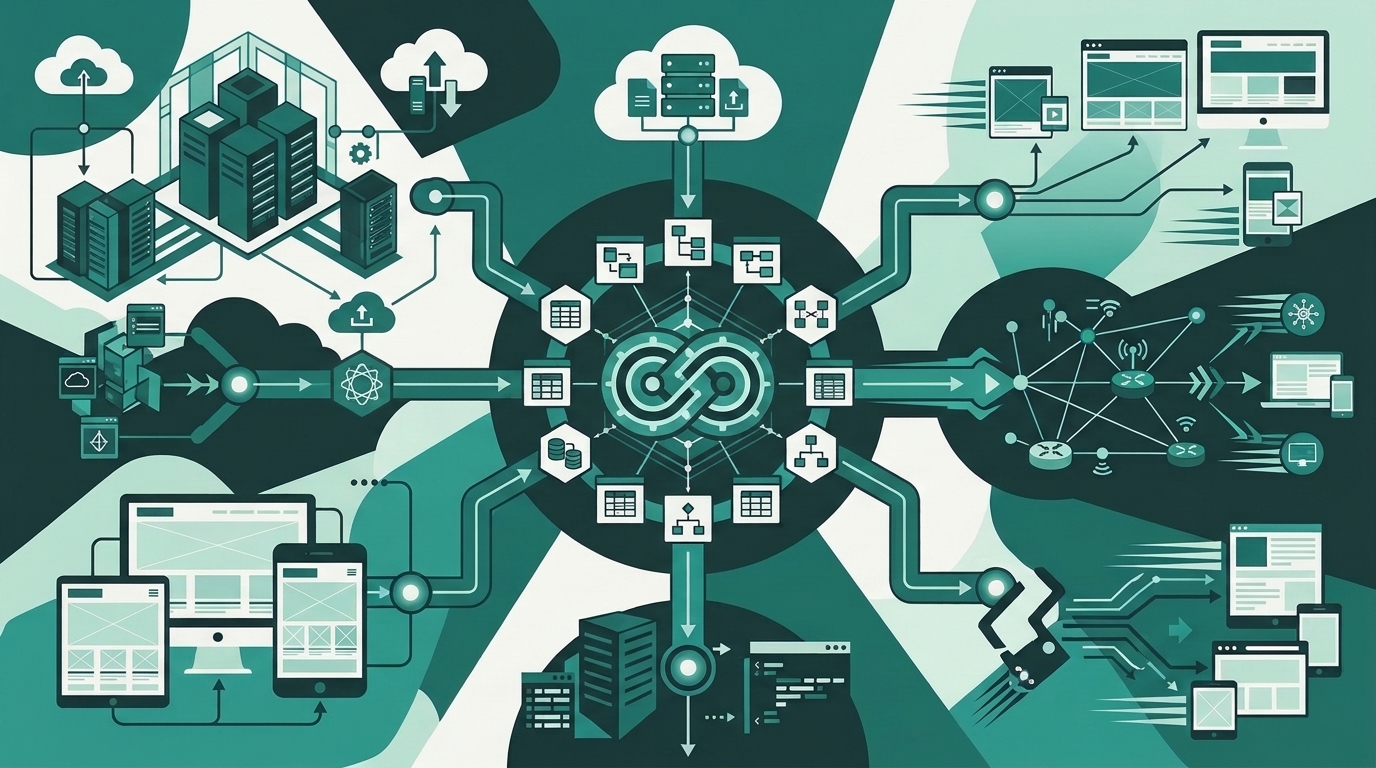
Headless separates your presentation layer (Next.js, Nuxt, Astro, or SvelteKit) from content persistence. Your CMS acts solely as an editorial database, exposing REST or GraphQL endpoints.

  • The Upside: Uncompromising security and lightning-fast TTFB (Time to First Byte). Because your production edge serves static HTML via Cloudflare or AWS CloudFront, an attacker can't compromise your database through a public URL exploit. If your CMS goes down for maintenance, your static frontend stays online.
  • The Hidden Trap: Heavy developer dependency. Want a dynamic hero banner with custom countdown logic? An engineer has to define the schema, write the TypeScript interface, build the React component, and push a CI/CD build. That $40/month headless subscription suddenly costs $4,000 in dev sprints.

If you need an engine that blends flexible publishing workflows, modular commerce, and lightning-fast developer experience without drowning in multi-vendor subscription fees, explore how Dev Dominion unifies content pipelines, dynamic storefronts, and multi-tenant performance under a single, hardened engineering architecture.

Evaluating Your Technical Constraints

Ignore vendor benchmark graphics. Most are run on synthetic, single-user localhost setups without real-world traffic noise. Instead, run your CMS decision through these four engineering filters:

1. Editorial Workflow Independence vs. Governance

Who touches the platform daily? If your marketing squad publishes six SEO articles a day with heavy layout variance, forcing them into a rigid Git-based markdown pipeline (like Hugo or Decap CMS) will spark an internal mutiny. They want a WYSIWYG canvas, instant asset cropping, and draft revisions.

Conversely, if you run a compliance-heavy enterprise app, you need fine-grained Role-Based Access Control (RBAC), immutable audit logs, and staging previews. Make sure your CMS supports stage-to-prod promotion workflows natively without requiring risky direct database dumps.

2. The Reality of Asset Pipelines

Most CMS evaluations fail at media handling. Look at your cloud storage metrics. If your team uploads raw 6000x4000px DSLR shots, does the CMS automatically process WebP/AVIF variants, generate responsive srcset attributes, and stream assets via an S3-compatible bucket? If it saves multi-megabyte originals directly to a local VPS volume, your disk storage and bandwidth bills will spike within months.

3. The Total Cost of Ownership (TCO) Calculation

Engineers often fall into the "open-source is free" trap. Let's do the actual math for a mid-market team producing steady content:

  • Open-Source Self-Hosted (e.g., Self-hosted WordPress or Strapi): $40/month VPS compute + $15/month managed RDS + $20/month automated S3 backups. Sounds cheap. But factor in 8 hours of senior dev maintenance every month for patch security, dependency updates, and tuning database indices. At $100/hr, that "free" engine actually costs you $875 every month.
  • Enterprise SaaS Headless (e.g., Contentful, Sanity): Starts at $0 or $99/month, but watch the quota cliff. Cross their API request threshold or asset bandwidth quota during a viral product launch, and you jump to enterprise custom tiers starting at $1,200 to $2,500 monthly.
  • Unified Custom-Engine Platforms: A purpose-built, unified platform—like the architectures we deploy at Dev Dominion—gives you end-to-end control over your database schemas, assets, and checkout flows without third-party seat penalties or creeping API overages.

Database Schema Flexibility: Structured vs. Freeform

Pay close attention to how the CMS structures data behind the scenes. Content engines broadly handle data modeling in two ways:

Relational Schemas

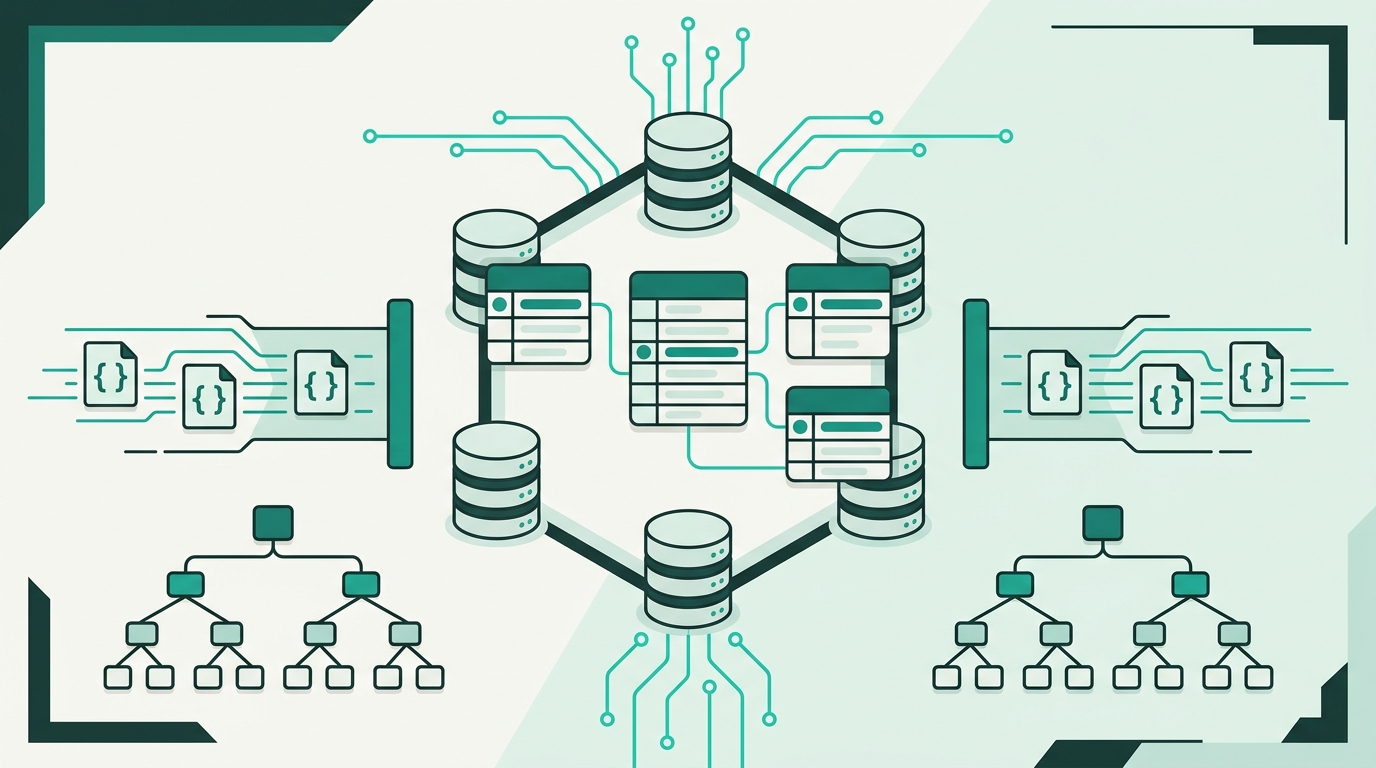
Engines like Craft CMS, custom Laravel CMS architectures, or Directus map your content fields to normalized relational tables (or structured JSON columns with foreign keys). This is crucial if your content feeds complex business logic—think relational filters, product catalog dependencies, localized pricing, or multi-author attribution. You retain strict data integrity, foreign key constraints, and reliable indexing.

Document-Based / JSON Blobs

Platforms like Sanity treat content as unstructured JSON documents (GROQ/JSON-LD). This gives authors incredible composability (letting them nest dynamic blocks like Lego bricks), but it makes cross-cutting relational queries and data exports painful later if you ever decide to migrate schemas.

Performance & Caching: How to Not Crash Under Load

Here is my golden rule: Your CMS database should never directly handle public unauthenticated reads.

If a surge of 50,000 visitors lands on your latest architectural teardown from Hacker News, your application layer shouldn't be firing 42 SQL SELECT queries per hit. Regardless of which CMS you adopt, enforce this three-tier caching stack:

  1. Edge Layer: Route everything through a global CDN (Cloudflare or AWS CloudFront). Cache static HTML files, image variants, and CSS bundles at the edge with stale-while-revalidate headers.
  2. Application Cache: Use Redis to store rendered template fragments, navigation trees, and serialized API responses. When an author clicks "Publish", trigger targeted tag-based cache invalidation rather than flushing your entire Redis cluster.
  3. Database Pooling: If you use a relational backend, stick PgBouncer or AWS RDS Proxy in front of your database instances to prevent sudden connection-exhaustion panics.

My Decision Matrix: Which CMS Should You Pick?

Cut through the analysis paralysis. Here is how I advise our engineering clients based on concrete operational profiles:

  • The Solo Founder / Indie Hacker: Use Ghost or an Astro markdown setup. Ghost gives you native newsletter subscriptions, clean memberships, Stripe integration, and zero layout bloat. Astro lets you write markdown in your IDE and deploy globally via static edge networks for pennies.
  • The Scale-up Marketing Team: If you need high editorial autonomy without developer bottlenecks, look at Webflow or a decoupled Strapi/Next.js stack. Just be ready to enforce strict design systems so your UI doesn't turn into a chaotic patchwork.
  • The High-Traffic Technical Publisher: Go fully decoupled. Use a headless API layer feeding a statically generated Astro or Next.js frontend deployed to AWS S3 + CloudFront. It's essentially unhackable, blazingly fast, and handles sudden traffic spikes effortlessly.
  • The Multi-Tenant / Custom Commerce Ecosystem: Build or deploy on a unified, modular framework. When you need custom client dashboards, native subscription commerce, and robust multi-tenant isolation, standard off-the-shelf plugins collapse under their own weight.

The Bottom Line

Don't select a CMS based on what's trending on GitHub today. Choose the platform that matches your team's editorial velocity, your actual developer capacity, and your peak traffic tolerance. Treat your content layer with the same architectural rigor you bring to your primary transactional database. Build deliberately, protect your compute resources, and keep your core systems lean.


Frequently Asked Questions

When should an engineering team switch from a monolithic CMS to headless?
You should switch when your frontend requirements outgrow your CMS rendering engine (such as needing a unified mobile app and web frontend), when security compliance demands an isolated database layer not directly reachable via public web roots, or when high traffic renders server-side template rendering cost-prohibitive compared to static edge caching.
Rarely in the long run. While raw compute on Hetzner or AWS might only run $30 to $60 a month, ongoing maintenance—database patching, automated snapshots, security updates, and plugin conflict resolution—requires multiple hours of senior engineering time each month, easily driving true operational costs above $500 monthly.
Implement aggressive edge caching using a global CDN with stale-while-revalidate headers, place Redis in front of complex relational queries for menu and layout fragments, and ensure full-page static caching prevents unauthenticated traffic from ever executing application runtime code or database queries.

Verified References & Citations

Hamza Tariq
Hamza Tariq
Verified Expert
Founder & Chief Architect

Full-stack architect and founder of Dev Dominion. Specializes in distributed Laravel multi-tenant architectures, cloud deployments on AWS, and scalable web engineering.

Share this article :

Reader Comments

Leave a Comment
Security Verification
Verification Status
Search Articles
DD
Dev Dominion Editorial
Platform & Engineering Team

Insights, architectural deep-dives, and tutorials crafted by the Dev Dominion engineering team.

Stay Ahead of the Curve

Get our weekly digest of creator strategies and technical tutorials directly in your inbox.

Subscribe Free