
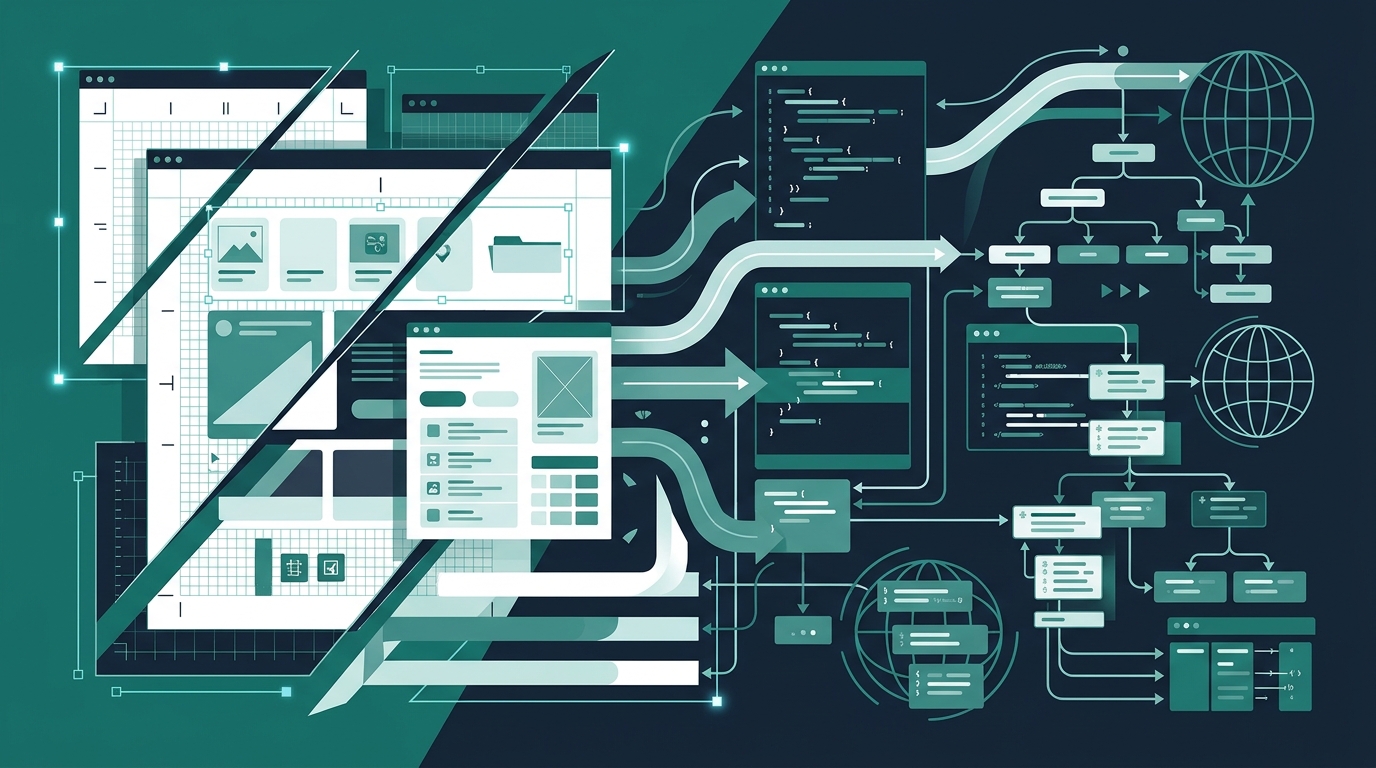
I woke up this morning to a barrage of Slack notifications linking to the latest headline out of Silicon Valley: Figma is throwing open its canvas API to autonomous AI coding agents. It is their direct counter-punch to Canva’s aggressive enterprise moves. In tech circles, the reaction has been predictably breathless. Venture capitalists and indie founders are posting screen recordings showing an AI agent analyzing a Figma frame, parsing vector nodes, and spitting out an entire Next.js repository in under twenty seconds.
The demos look intoxicating. You draw a dashboard, summon an agent, and walk away with a ready-to-deploy frontend. But after eight years as a technical SEO and localization consultant fixing broken architectures for international SaaS brands, I felt a familiar knot in my stomach.
We’ve seen this movie before. Every time tooling attempts to bridge the gap between static design coordinates and production markup, production loses. Turning an unconstrained design canvas into autonomous code without an engineering firewall produces unmaintainable DOM hierarchies, ruins Core Web Vitals, and shatters multi-region search indexation. If you manage technical architecture, you need to look past the parlor tricks before this design-to-code wave floods your repository with unmitigated technical debt.
Design canvases and web browsers operate on opposing physical laws. Figma is fundamentally Cartesian. It tracks objects across absolute X, Y, and Z coordinates relative to artboard bounds. Browsers, by contrast, rely on fluid documents governed by normal document flow, inline formatting contexts, and dynamic viewport constraints.
When an autonomous coding agent translates a Figma frame directly into code, it prioritizes visual fidelity over structural semantics. If a button sits 42 pixels below a header on a 1440-pixel screen, the agent takes the path of least resistance. It wraps elements in arbitrary flex containers, slaps on fixed margins, and nests `div` inside `div` to replicate visual grouping.
The result? Brutal DOM bloat.
In standard web audits we conduct at Dev Dominion, an average human-crafted SaaS landing page hovers between 600 and 900 DOM nodes. Canvas-generated prototypes generated by automated agents frequently blow past 3,200 nodes for identical layouts. That excessive nesting carries severe real-world costs:
Search engines do not rank screenshots. They parse semantic DOMs. When an autonomous agent replaces clean semantic primitives (`main`, `article`, `section`, `nav`) with an undifferentiated soup of 35 styled divs, your technical SEO foundation collapses before you write your first line of business logic.
Here is where things get truly messy. Visual designers build mockups using ideal English copy. The headline fits comfortably on one line. The call-to-action button measures exactly 180 pixels wide. The subtitle flows into two balanced sentences. It looks pristine in the Figma preview.
Now pass that canvas to an AI coding agent and push the resulting code to production for an international audience. Disaster strikes instantly.
In my line of work, language expansion is an unavoidable reality. Translating English into German expands character volume by roughly 30 to 35 percent. Words like "Tax Compliance Settings" transform into compound monoliths like Steuer-Compliance-Einstellungen. French requires wider spacing and punctuation rules. Finnish compresses meaning into long agglutinative structures. Japanese requires careful line-break handling because browsers cannot rely on white space to wrap words cleanly.
Autonomous canvas agents know nothing about linguistic expansion. Because the Figma node had a fixed width of 240 pixels, the agent produces CSS with hardcoded widths or, worse, inserts `overflow: hidden` with `text-overflow: ellipsis` to prevent the UI from visibly breaking. Last year, I audited an enterprise SaaS company that used an automated visual-to-code pipeline for its billing portal. When German enterprise buyers logged in, key tax disclosures and pricing tiers were silently truncated by automated ellipsis rules. The company faced regulatory scrutiny in Munich and suffered a 42% collapse in organic trial signups across DACH regions because international search crawlers indexed broken, truncated text snippets.
Worse, AI agents struggle with Right-to-Left (RTL) locales like Arabic and Hebrew. A human engineer uses CSS Logical Properties—`padding-inline-start`, `margin-inline-end`, and `inset-inline`—to ensure effortless bi-directional layouts. Canvas-parsing AI agents routinely hardcode physical directions: `padding-left`, `margin-right`, and absolute left alignments. When your internationalization routing kicks in for `ar-SA`, your UI disintegrates into a jumbled, illegible mess.
Let's talk about search crawl budgets and the Web Rendering Service (WRS). There is a persistent myth among software creators that modern search engines treat client-heavy, dynamic JavaScript pages identically to server-rendered HTML. That assumption is flat wrong.
Googlebot crawls URLs in two distinct waves. First, it fetches the raw server-rendered HTML response, extracts immediate text and canonical directives, and places the page into an index queue. If your page relies on client-side JavaScript hydration to assemble its primary content, it gets sent to a secondary rendering queue. Depending on server resources, domain authority, and current search demand, that second rendering pass can lag anywhere from hours to weeks.
When AI agents build components from a design canvas, they lean heavily into client-side dependencies. They drop in massive client-only icon libraries, embed unoptimized inline SVG paths, and bundle heavy styling utilities that require runtime execution. We’ve seen canvas-generated landing pages ship bundles exceeding 4MB of uncompressed JavaScript just to display three static value propositions and a pricing table.
Crawl budgets are finite. When Googlebot encounters a bloated, script-heavy application that consumes massive compute resources simply to render a hero section, it slows down crawling frequency across your entire domain. Your newly published changelogs, localized hreflang alternates, and documentation updates sit unindexed in the queue. You cannot out-optimize bad architectural choices with schema markup if the crawler times out before your content tree resolves.
To understand why this is happening now, you have to look at the competitive chess match between Figma and Canva. Canva built an empire by targeting marketing departments, non-technical creators, and small business owners who wanted instant visual output without opening an IDE. Their recent enterprise push threatened Figma’s dominance over company-wide design operations.
Figma’s opening of the canvas to AI coding agents is their strategic answer. Instead of dumbing down the design tool for non-designers, Figma is trying to leapfrog downstream development entirely. They want the design file to become the production software.
It is an ambitious gambit. But the stakes between these two ecosystems are radically different. When a Canva template produces messy output, someone gets an awkward slide deck or an off-brand social banner. When a Figma-to-code agent produces malformed markup, it breaks a live digital product, damages international search presence, and degrades the user experience for thousands of visitors.
I am not a luddite. Autonomous agents will continue to penetrate software engineering workflows, and refusing to use automated assistance is a losing strategy. But engineering teams must stop treating canvas agents as junior frontend developers that can commit straight to your staging branch. You need an architectural firewall.
At Dev Dominion, where we build and scale high-performance publishing platforms, we treat visual outputs with strict engineering scrutiny. This very blog runs on Dev Dominion, engineered with razor-sharp server-rendered HTML, minimal DOM depth, and strict structural semantics that pass Core Web Vitals checks effortlessly. If you want to leverage Figma’s new agent ecosystem without wrecking your site’s search visibility and performance, implement these four rules immediately:
Never allow an AI agent to read arbitrary coordinates and translate them into inline Tailwind utilities or CSS rules. Instead, configure your agent’s context window with your company’s formal design system. Force the agent to map Figma layers exclusively to pre-existing, audited UI primitives: buttons, cards, typographic components, and structural grids that your engineers have already verified for accessibility, semantic hierarchy, and performance.
Write custom Abstract Syntax Tree (AST) linting rules that catch canvas-generated antipatterns before code merges. Your linter should automatically flag:
Never approve a generated frontend without running it through an automated pseudo-localization test in your testing environment. Configure your build step to replace all string resources with simulated expanded text (e.g., adding 40% character length with bracketed bounding accents like `[!!! Ṗřöḋüċẗ Ḟëäẗüřëṡ !!!]`). If the agent’s generated layout breaks, clips, or relies on hidden overflow, the build fails. Force the model to write fluid, auto-flowing layouts that expand gracefully across international scripts.
Ensure that whatever the agent produces compiles into server-side rendered (SSR) or statically generated (SSG) output. Primary navigational structures, page headings, internal links, and critical body copy must exist in the raw initial HTML payload delivered by your origin server. If a component does not require immediate user interaction, it should not run on the client’s main thread.
The allure of pointing an AI agent at a Figma file and watching a web app materialize in seconds is undeniable. It scratches an itch that every startup founder and product manager has felt since the dawn of the internet: the desire to eliminate the friction between imagination and production.
But software architecture is not an illusion. The web is a distributed, multi-device, multi-lingual ecosystem where network speeds vary, device capabilities diverge, and search crawlers ruthlessly penalize inefficiency. The canvas is a helpful blueprint, but the browser is the building. Keep your foundations clean, insist on semantic precision, and never let an automated agent dictate your technical standards.







Leave a Comment